Know what you keep.

ReckonOS is invoicing and money software for freelancers, agencies and studios. It sends invoices in your own stationery, works out how much of each payment to set aside for tax under the rules where you work, and shows each project’s true margin after hours, contractors and software.

$7 today for 7 days of full access. On day 7 Pro starts at $99 a month (or $948 a year) unless you cancel first. Cancel any time from Settings > Billing. VAT or sales tax may be added at checkout.

What you keep

Sample data

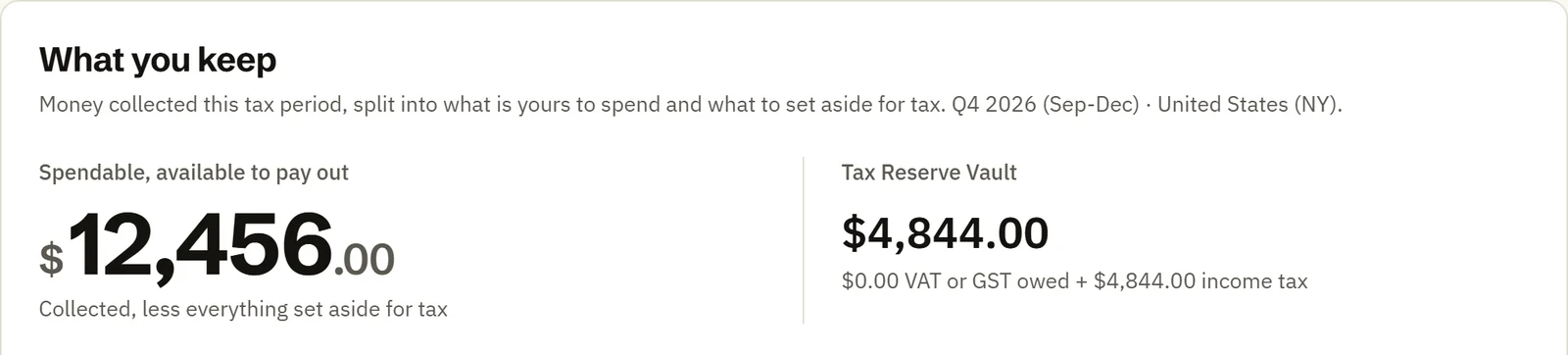
Q4 2026, a New York business

Collected
$17,300
Tax Reserve Vault, 28%
−$4,844
Yours to spend
$12,456
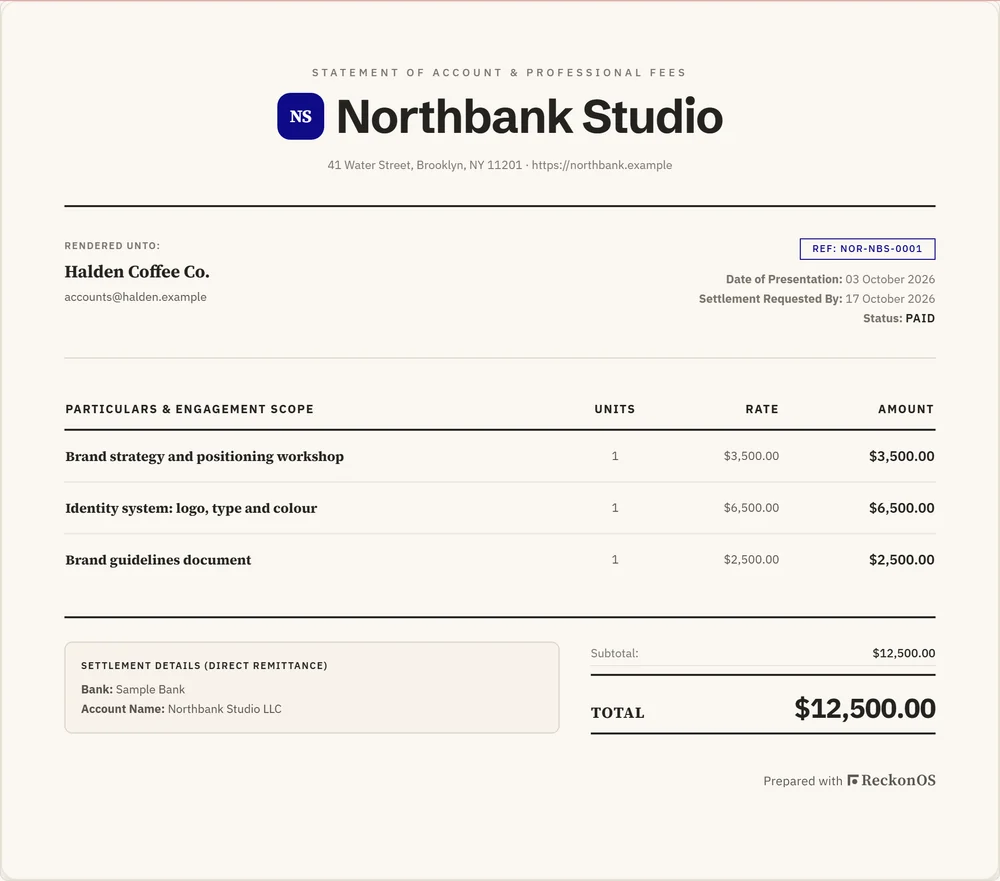
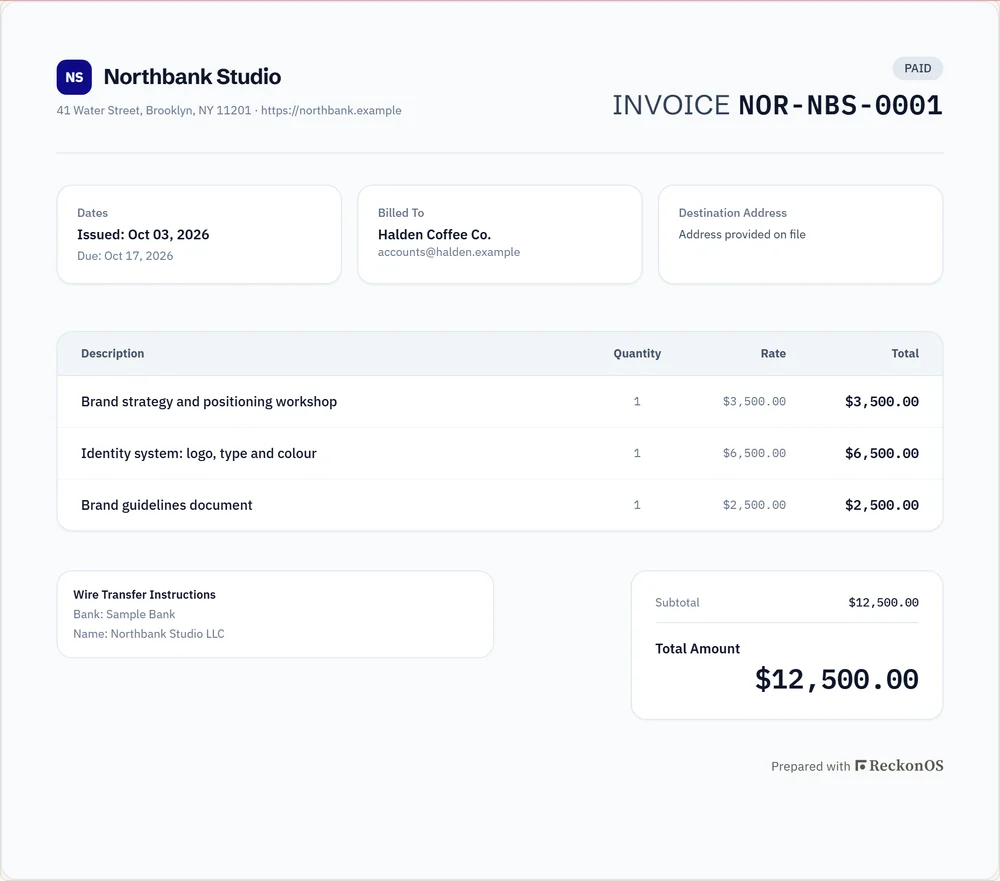
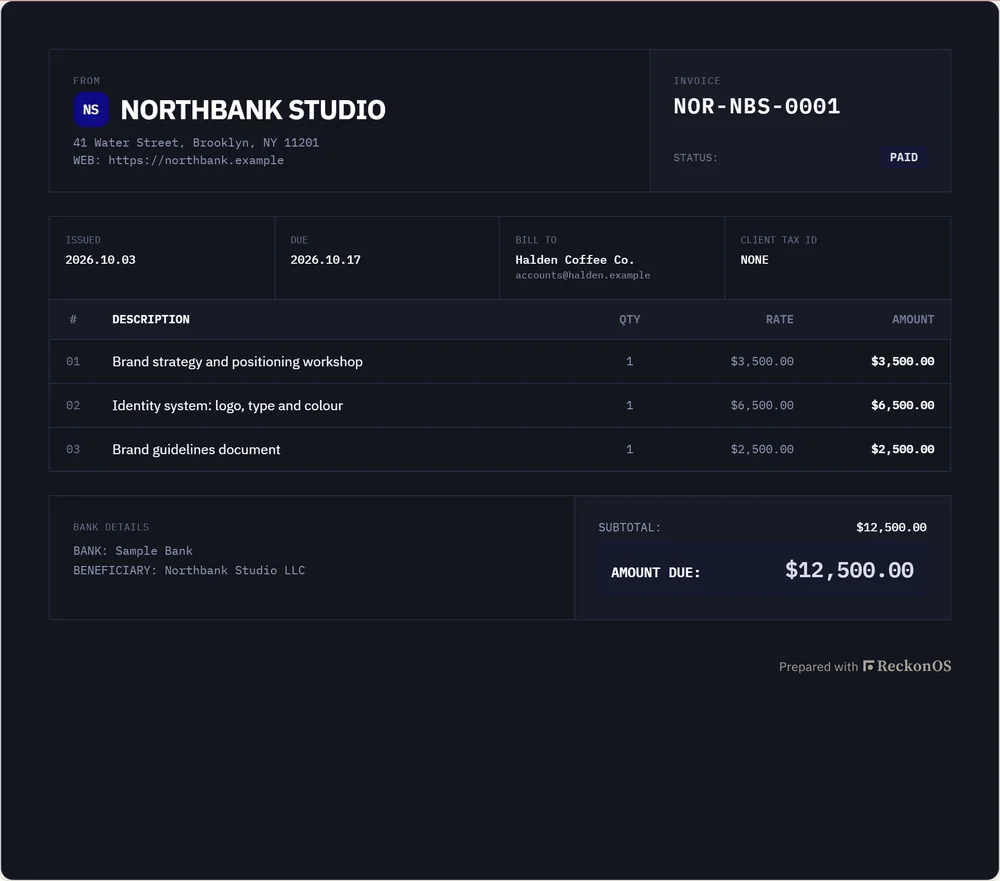
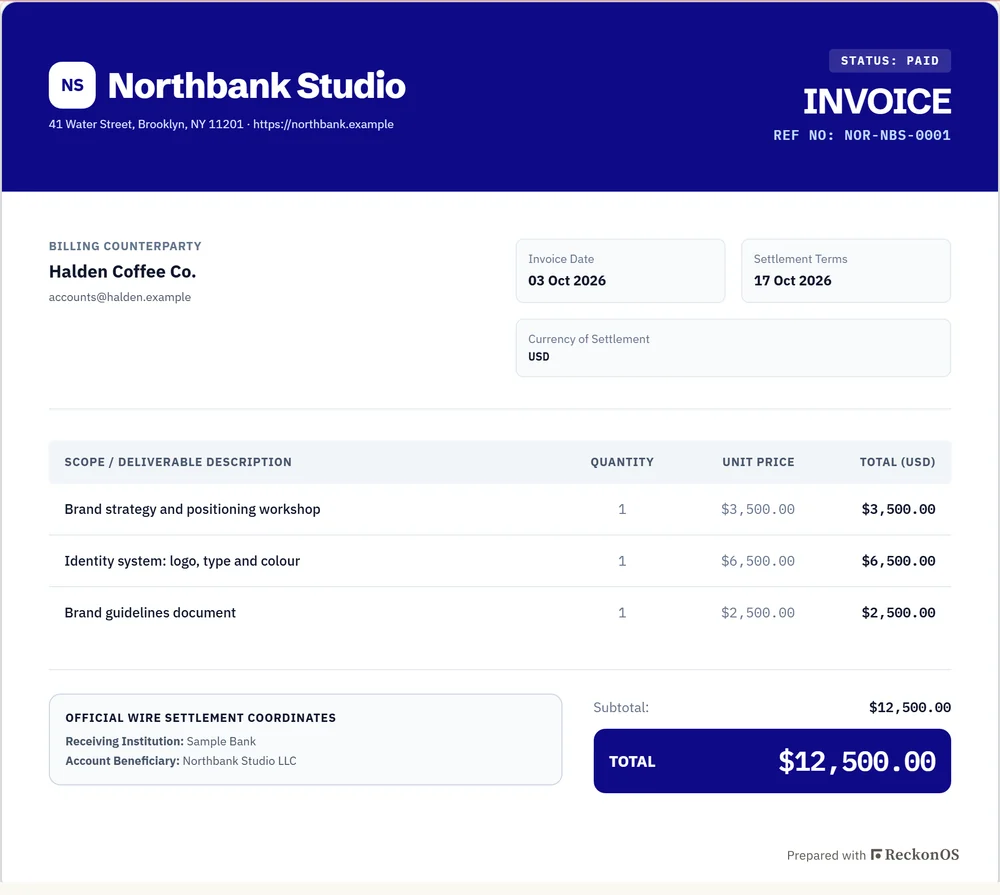
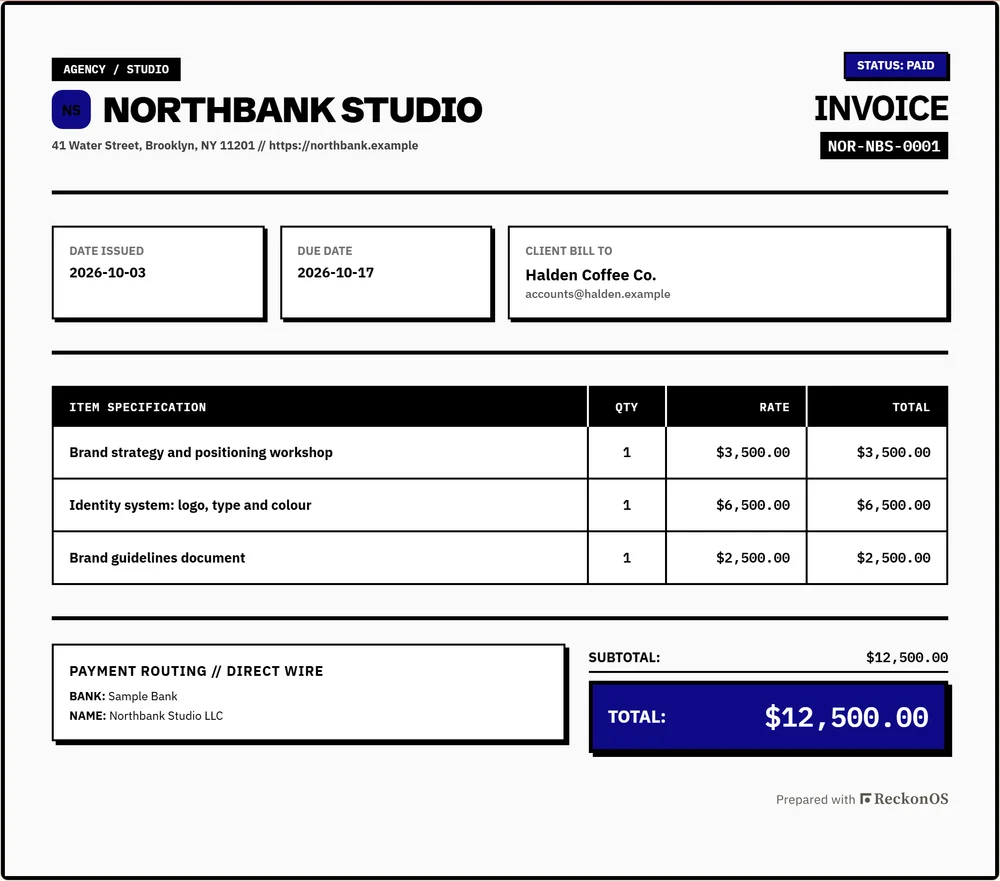
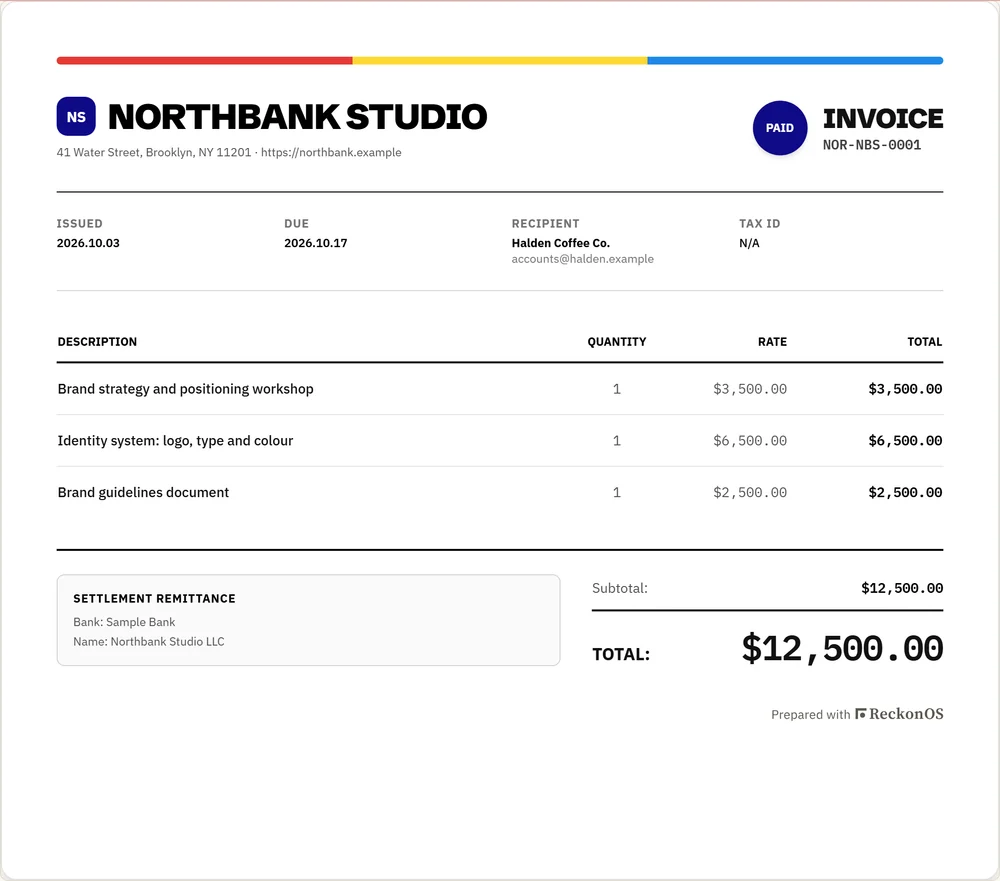
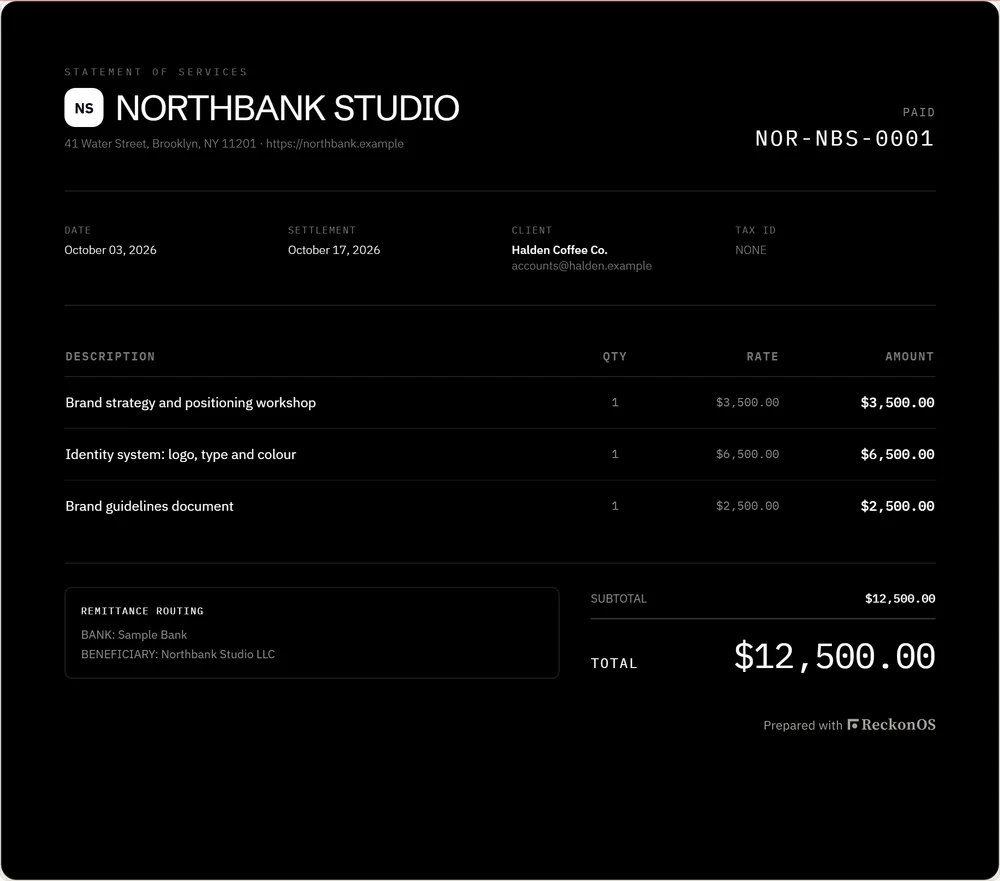
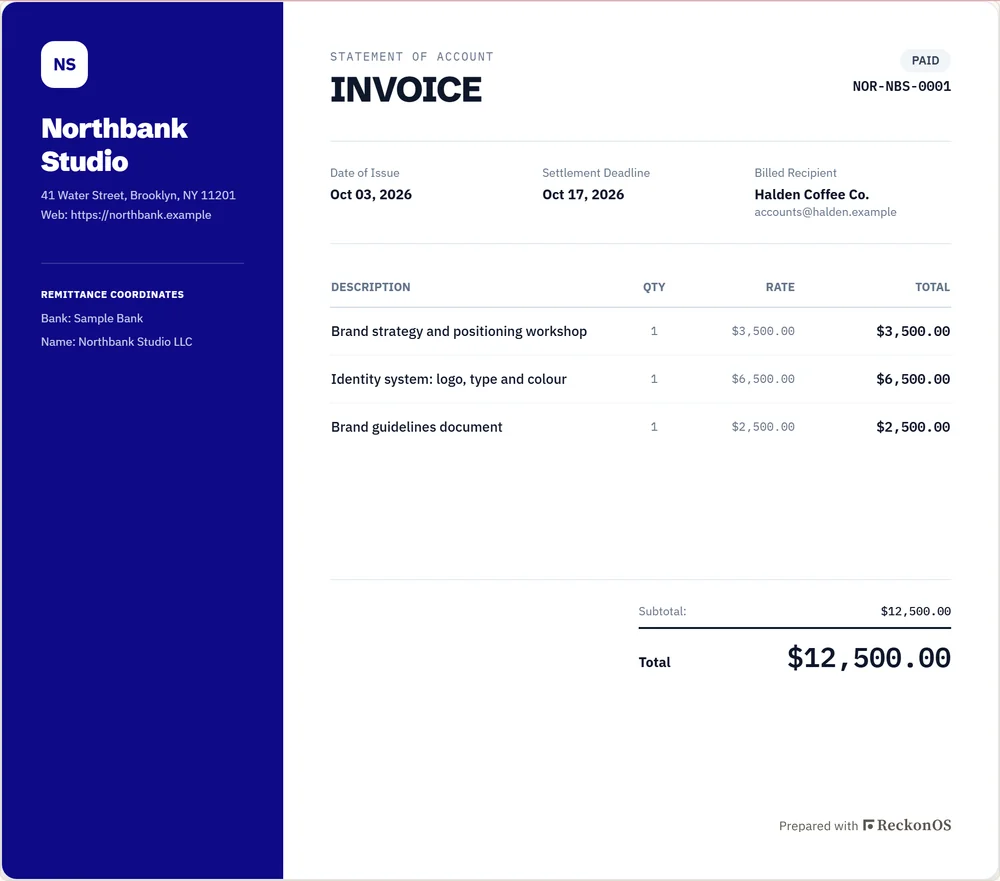
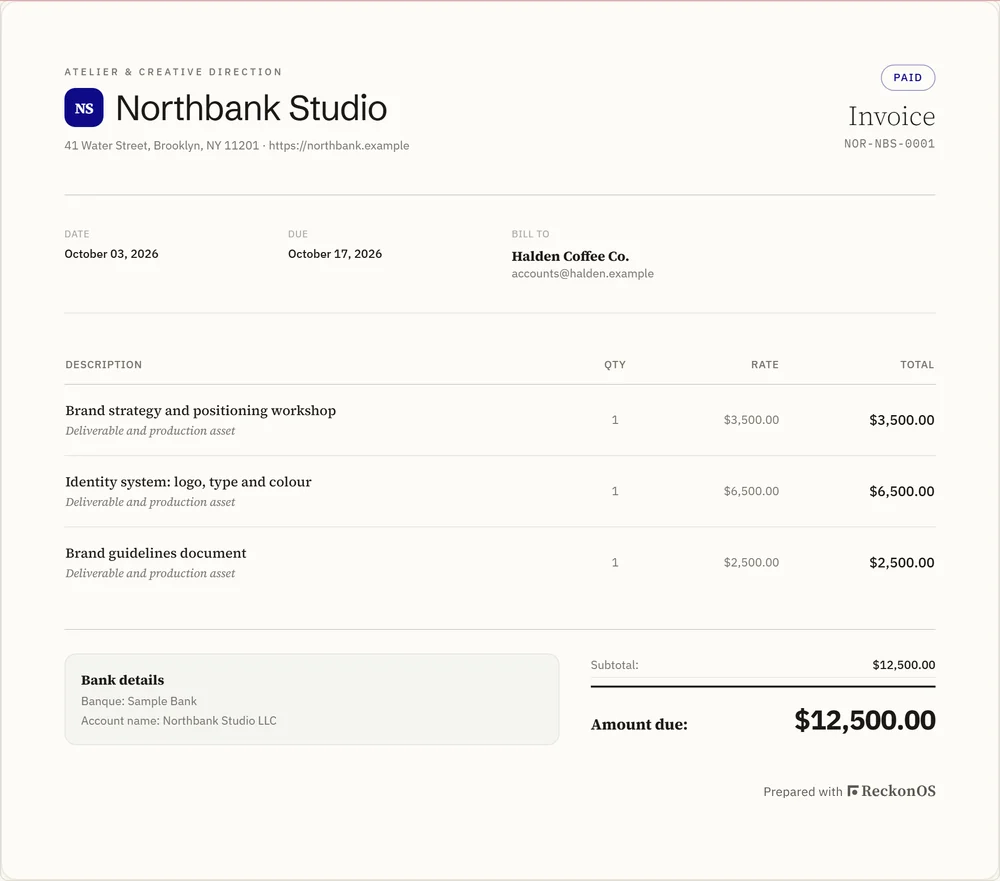
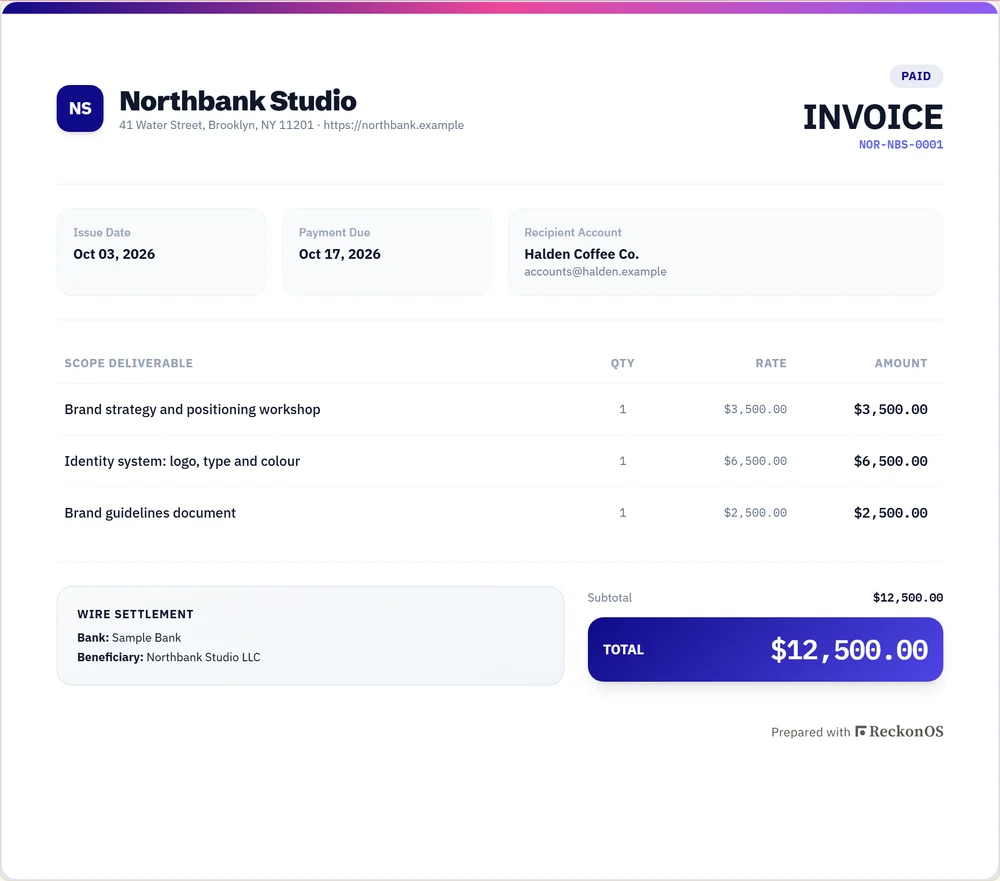
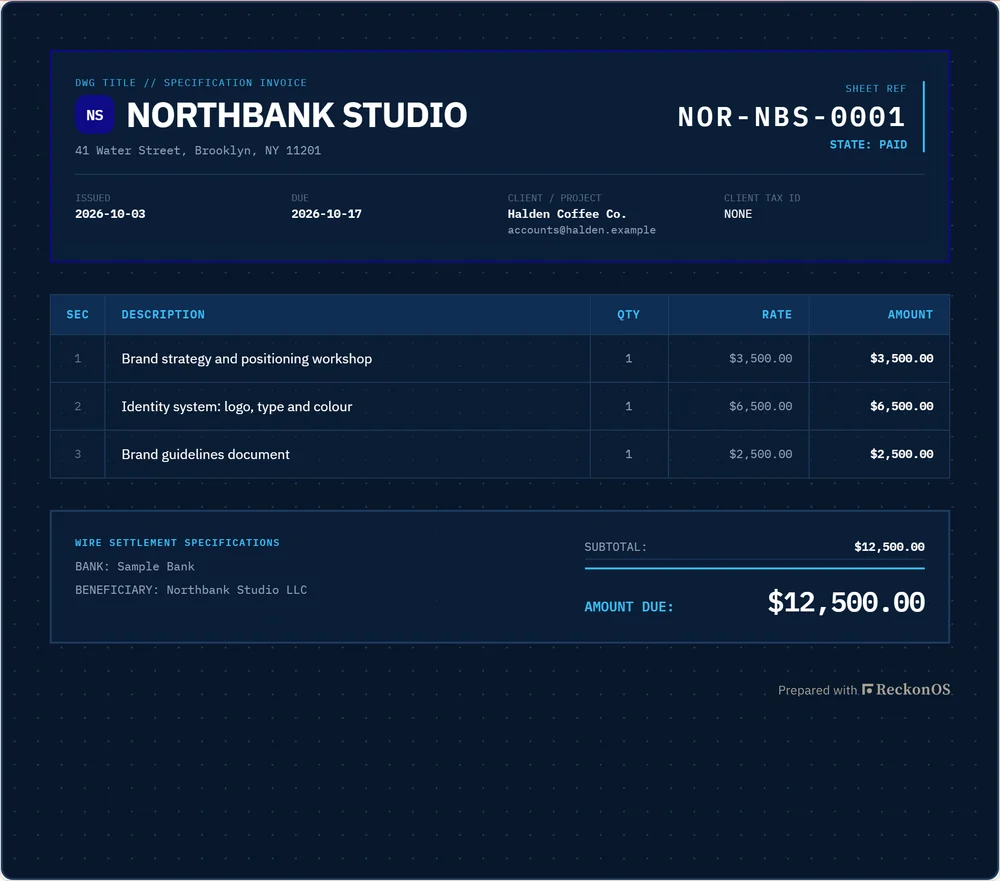
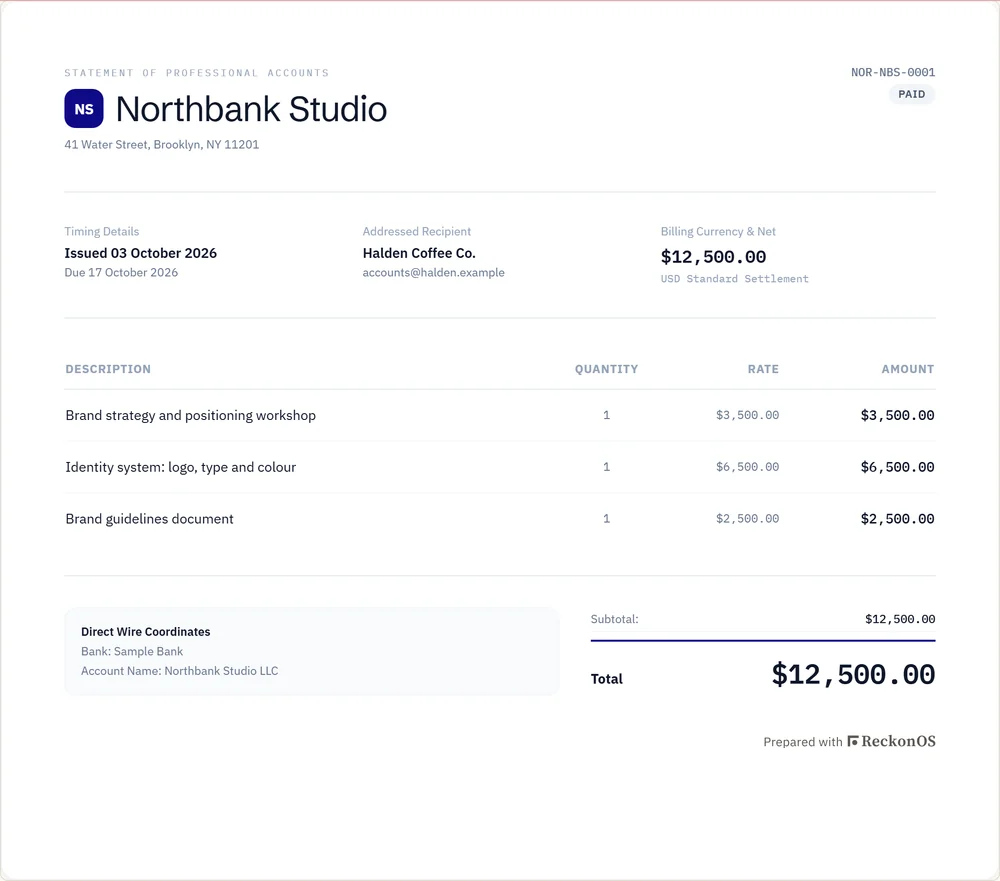
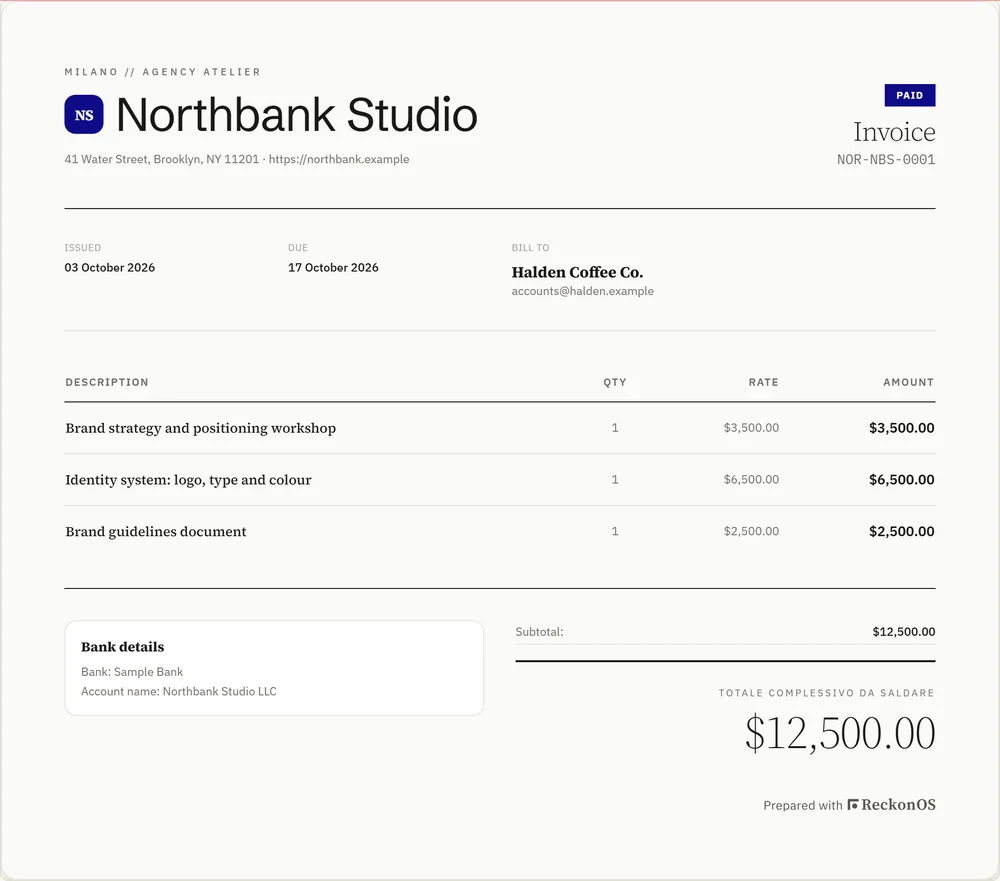
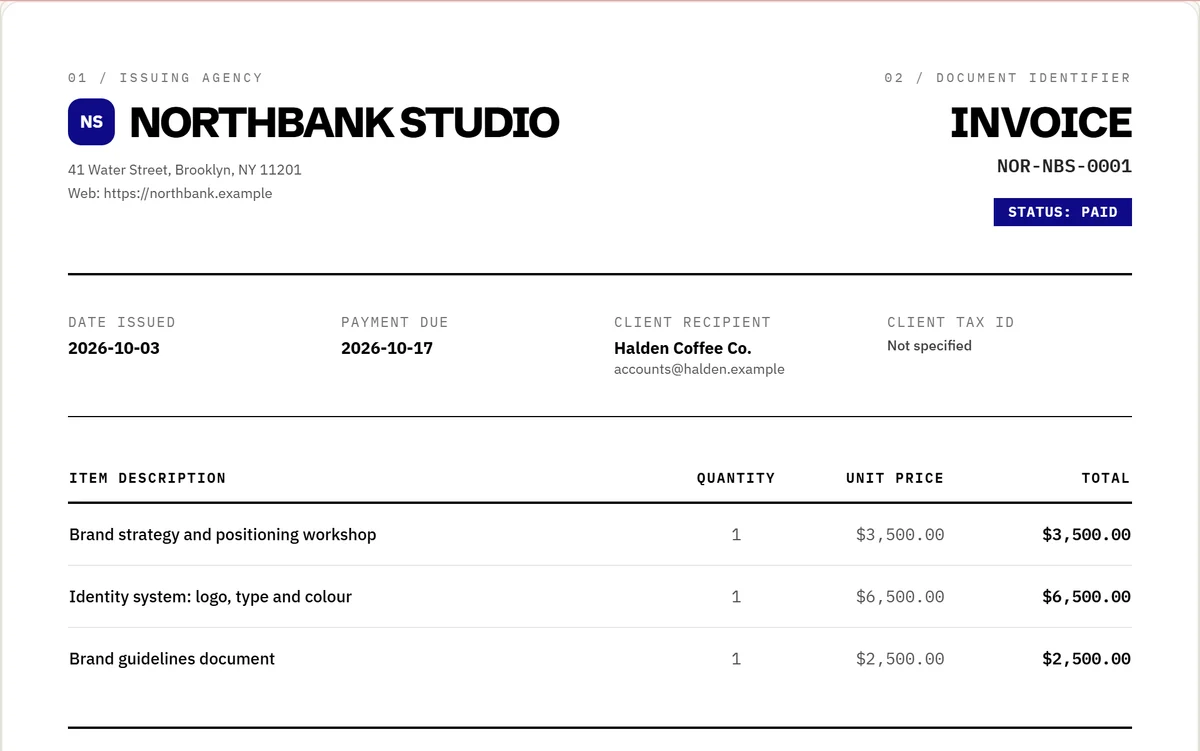
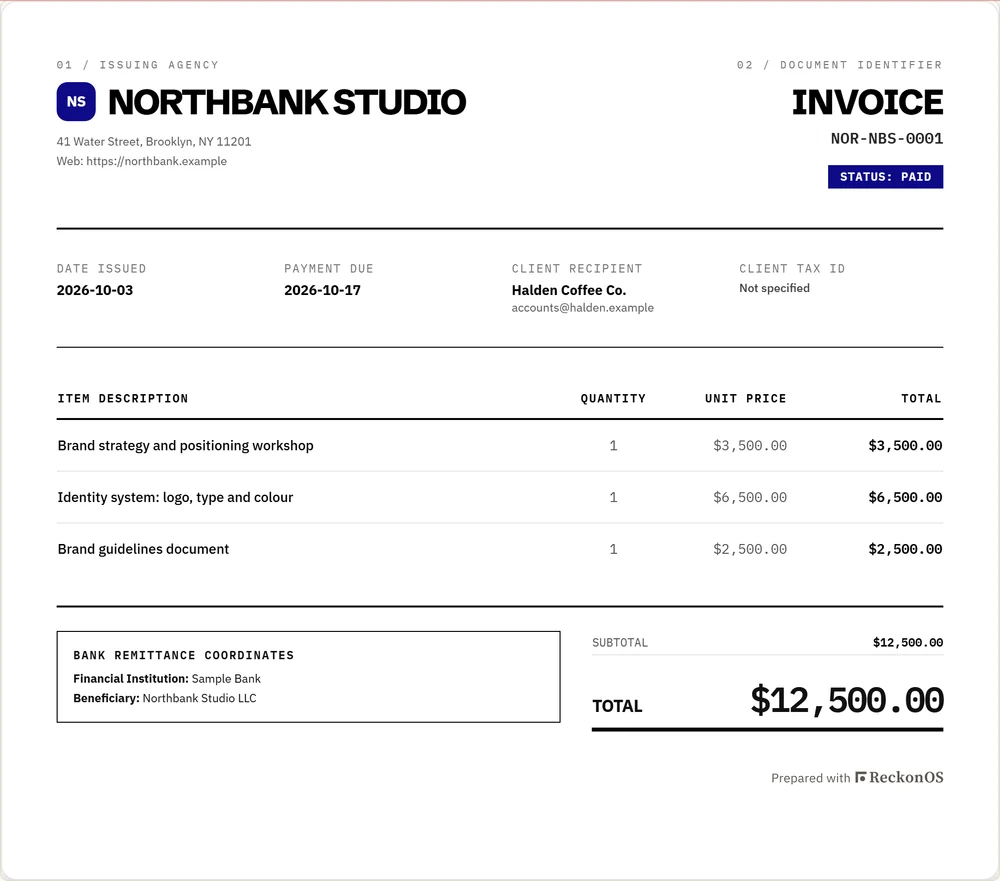
The sample invoice in the Swiss Modern Grid template: Northbank Studio to Halden Coffee Co., three line items, marked paid.
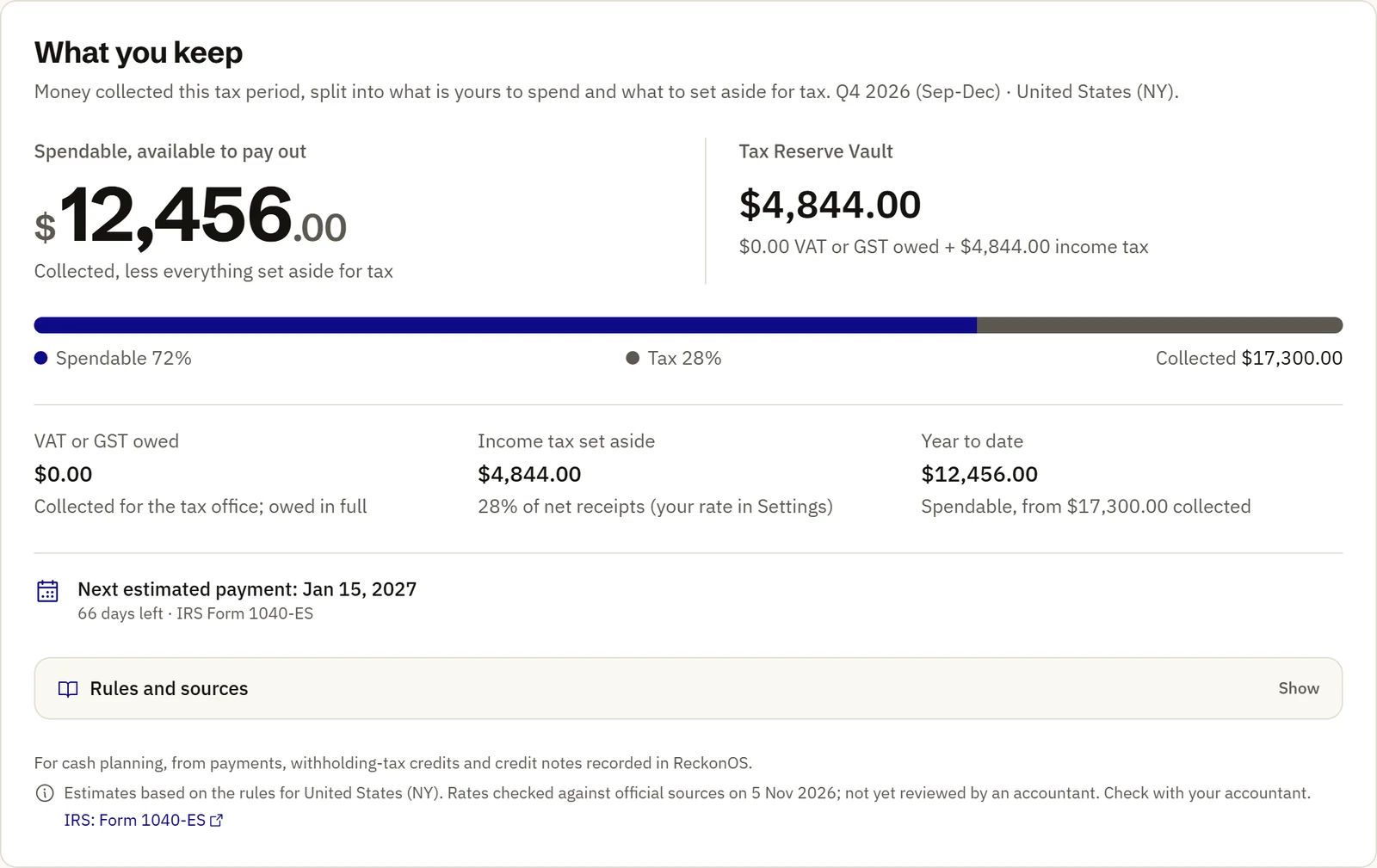
ReckonOS dashboard, What you keep: spendable $12,456.00 and Tax Reserve Vault $4,844.00 out of $17,300.00 collected in Q4 2026 for a New York business.
Real ReckonOS screens from a sample workspace. Northbank Studio, its clients and every figure are invented. Sample figures for Northbank Studio, an invented business. Tax figures are estimates based on the rules for the United States as of November 2026. Check with your accountant. Sources: IRS Form 1040-ES (opens in a new tab); IRS Publication 505 (opens in a new tab).

From invoice to what you keep, in four steps.

One project followed all the way: a $12,500 brand refresh for a coffee company.

  1. $12,500 invoiced to Halden Coffee Co.

    Send the invoice

    Pick one of 15 templates. Your logo goes on it, or a monogram if you have none. ReckonOS works out VAT, GST or reverse charge from where you and your client are based.

  2. $12,500 received by bank transfer

    Get paid into your own account

    Your client opens a private link and pays through the Stripe, Paystack, PayPal, Flutterwave or crypto account you connected, or by bank transfer. ReckonOS never holds the money.

  3. −$3,500 to set aside at 28%

    Set aside the tax

    Each payment is split. VAT or GST you collected is reserved in full, and an income-tax share at the rate you choose, from 20% to 35% (28% to start).

  4. $4,200 yours, after $4,800 of project costs

    See what you keep

    Hours at each person’s cost rate, contractor fees and software filed to the project come off. What is left is yours to spend.

Worked example with sample numbers. Estimates based on the rules for the United States as of November 2026. Check with your accountant. The reserve is a calculation; the money stays in your own account. Sources: IRS Form 1040-ES (opens in a new tab); IRS Publication 505 (opens in a new tab).

For people who bill clients.

Built first for the United States, the United Kingdom and Nigeria. Canadian, Australian and EU rules are in every plan too.

  • Freelancers and consultants

    One person, clients anywhere. Invoices that look like your work and a number for what to set aside before tax day.

    Our pick: Starter, $49 a month

  • Agencies

    Teams of 2 to 10. Margin on every project after hours and contractors, and reminders that chase late payers on a fixed schedule.

    Our pick: Pro, $99 a month

  • Studios

    Up to 50 people, several currencies and processors, and invoices that carry only your brand.

    Our pick: Studio, $199 a month

United States

  • Quarterly estimated tax (Form 1040-ES) with due dates and optional prior-year safe harbor
  • 1099-NEC tracking for contractors by payment year
  • Stripe, PayPal and bank transfer

United Kingdom

  • VAT at the published rate, with reverse charge for business clients abroad
  • VAT numbers checked with HMRC; EU numbers with VIES
  • Invoices in £, $ or €

Nigeria

  • VAT at 7.5%, with exported services zero-rated (Nigeria Tax Act 2025)
  • Withholding tax recorded against each payment
  • Paystack and Flutterwave beside Stripe and PayPal; invoices in ₦

What it does, and how you can check.

Every picture on this page is the real product, filled with the sample workspace.

15 invoice templates, all carrying your logo

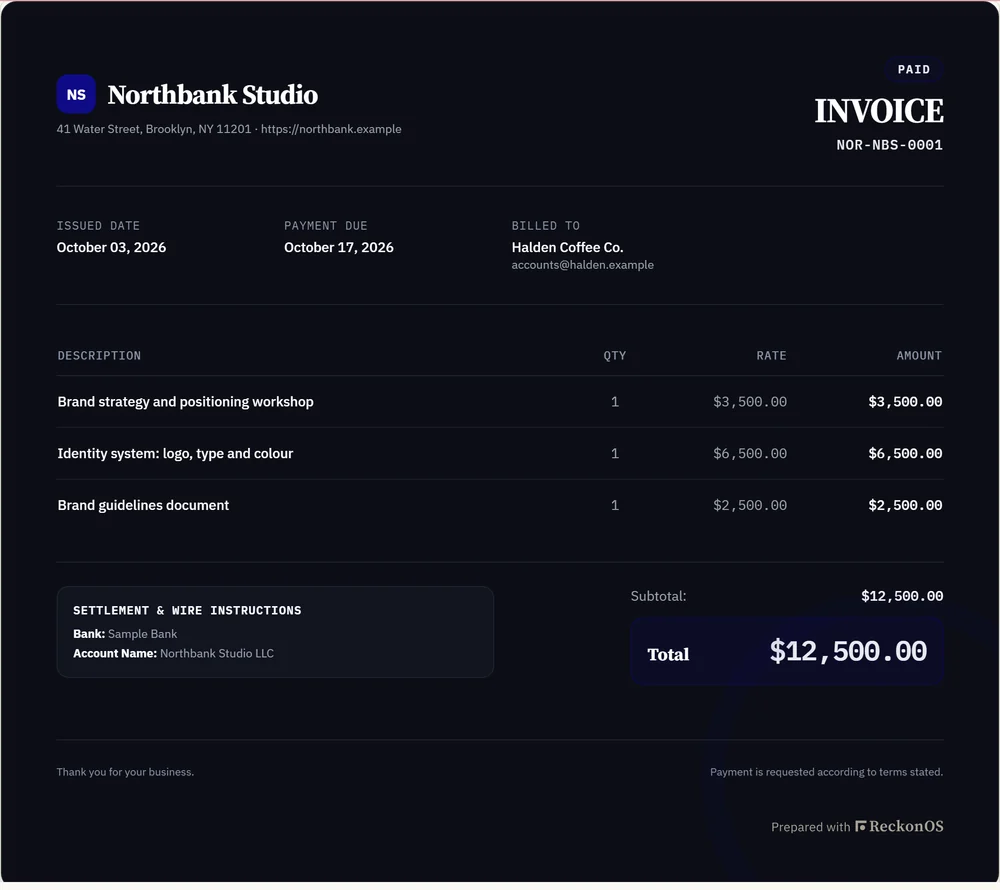
Every template uses your uploaded logo, or a monogram in your brand colour if you have none. The PDF your client downloads is rendered from the same template, and you choose one export format for the whole workspace.
How invoicing works → · See every template

Tax set aside by jurisdiction, with the source beside it

ReckonOS uses where you and each client are based to apply that country’s rules: VAT, GST, reverse charge, Nigerian VAT, US estimated tax quarters. The Tax Reserve Vault then shows what to set aside and what is left to spend. The Vault is a calculation; the money stays in your own account.

Estimates based on the rules for the United States, the United Kingdom, the EU, Canada, Australia and Nigeria as of November 2026. Check with your accountant. Sources: IRS: Form 1040-ES (opens in a new tab); IRS: 1099-NEC instructions (opens in a new tab); GOV.UK: VAT rates (opens in a new tab); European Commission: VAT rates (opens in a new tab); Canada Revenue Agency: GST/HST (opens in a new tab); Australian Taxation Office: GST (opens in a new tab); Nigeria Tax Act 2025, s.147 (opens in a new tab).

The Tax Reserve Vault in the sample workspace, with the rules and sources panel and the estimate notice for United States (NY).

True margin on every project

Cost of Execution (CoE) is everything it costs you to deliver a project: the hours your team spends valued at their labour rate, contractor fees, and the software and other expenses you file against that project. True margin is what you billed minus the Cost of Execution.

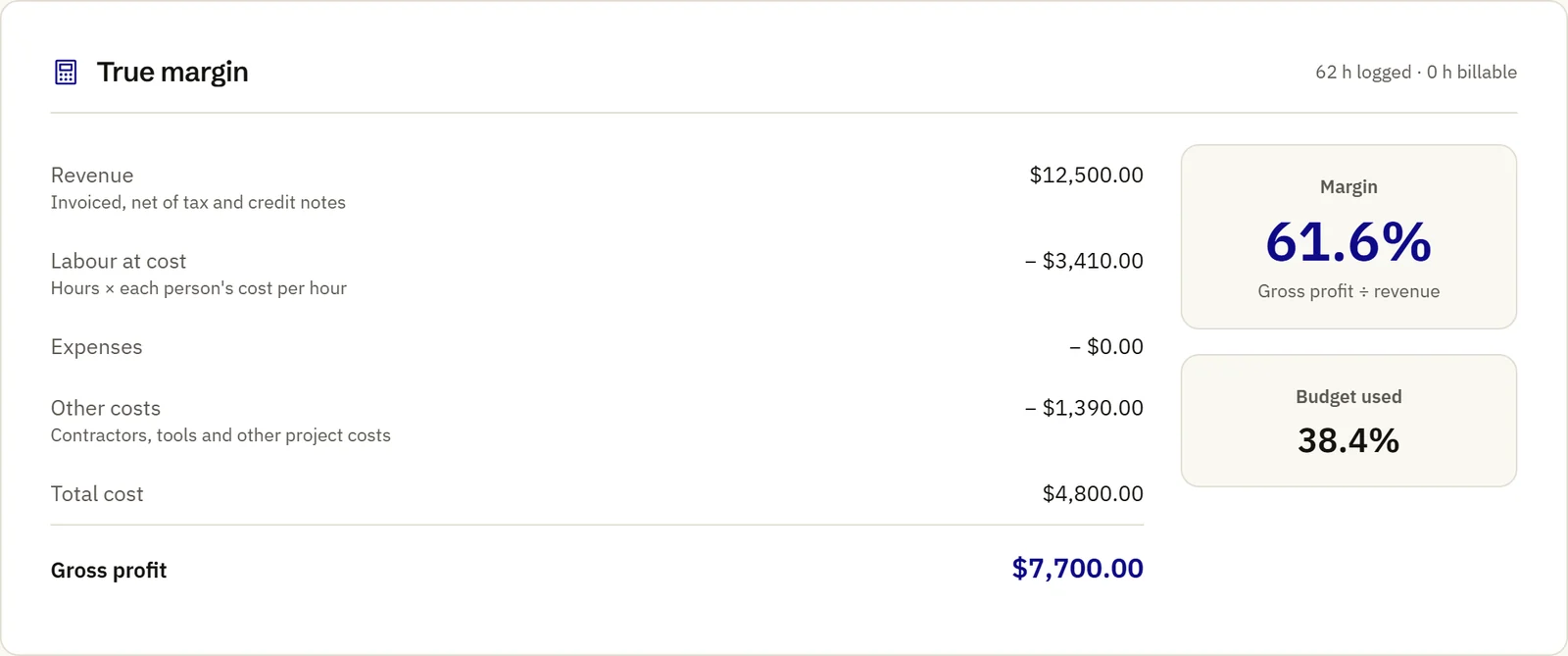
In the sample: $12,500 billed, $4,800 of hours, contractor and software, a 61.6% margin. On Pro and Studio.

How true margin is worked out →

True margin for the sample Brand refresh project: revenue $12,500.00, labour at cost $3,410.00, other costs $1,390.00, gross profit $7,700.00, margin 61.6%.

Clients pay you, through accounts you own

Every invoice has a private link: the balance, the due date, one download in your format, and the ways you accept payment, in the order you set. Connect Stripe, Paystack, PayPal, Flutterwave, NOWPayments, CoinPayments, BitPay or CoinGate: 1, 3 or 8 of them depending on plan.

If one processor pauses your account, switch new invoices to another. It is a backup route, not a way around a provider’s review.

How payments work →

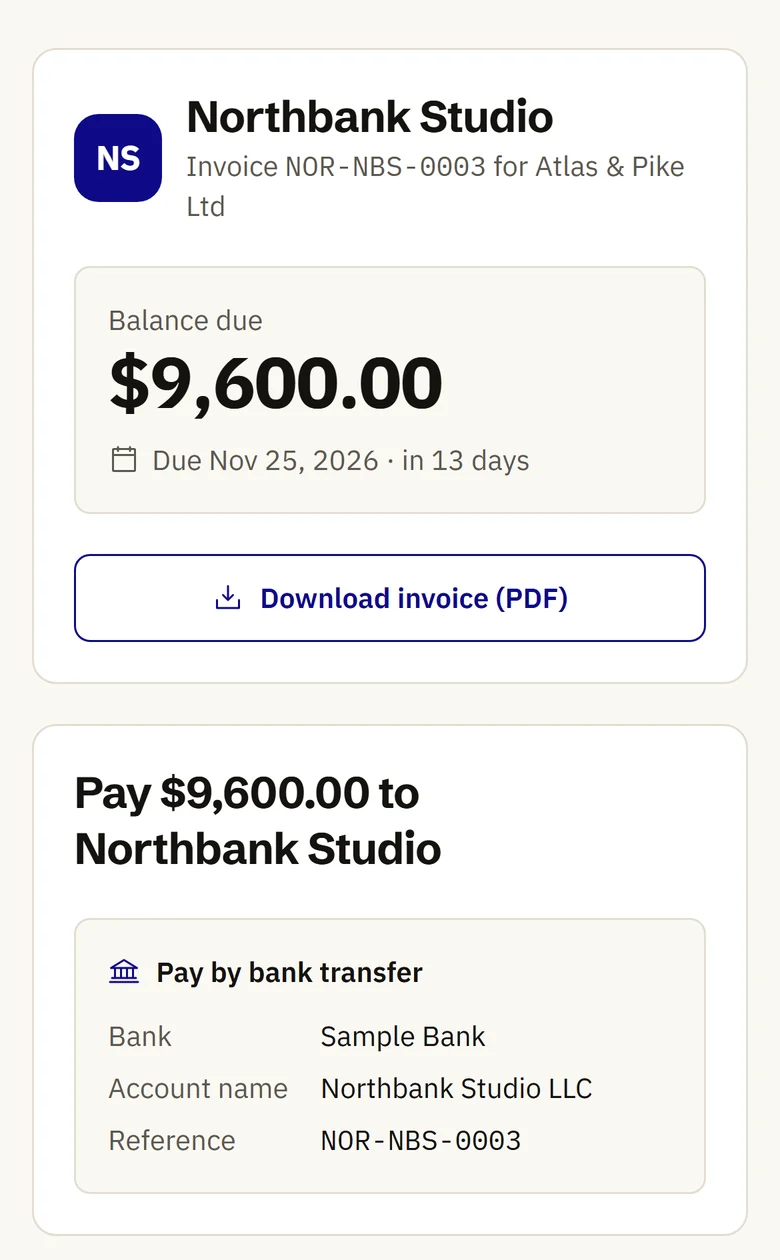
The client pay page on a phone: Northbank Studio, balance due $9,600.00, due 25 November 2026, a Download invoice (PDF) button and bank transfer details.
  • Receipt scanning

    Photograph a receipt; the text is read on ReckonOS’s own servers and you confirm the merchant, date and total before it is filed to a project. 50, 500 or 2,000 scans a month by plan.

    Read more about receipt scanning →
  • Peppol-ready export

    Download any invoice as a UBL file in the Peppol BIS Billing 3.0 format. Sending it over the Peppol network still needs a certified access point.

    Read more about peppol-ready export →
  • Email from your own domain

    Invoices and reminders go out from your address, with SPF, DKIM and DMARC checks shown in settings. Reminders run 3 days before the due date, on the day, then 3, 7 and 14 days after.

    Read more about email from your own domain →

Your money and your data stay yours.

What ReckonOS does with your workspace.

Security details →

Client money
Goes straight to your own gateway or bank account. ReckonOS never holds it and adds no fee.
Your keys
Gateway and email credentials are encrypted at rest with AES-256-GCM and shown only as their last four characters.
Signing in
Two-step sign-in with an authenticator app and recovery codes. Repeated failed sign-ins lock the account for 15 minutes.
Your records
Download everything (CSV, JSON and invoice PDFs in one zip) from Settings > Data. Delete the workspace and it is erased 30 days later unless you undo it.
This website
Self-hosted, cookieless analytics. No advertising trackers and no cookie banner, because there are no cookies to ask about.

Priced per workspace, not per person.

Every plan has all 15 templates, every tax rule and unlimited clients and invoices. Try any of them for $7.

  • Starter For a freelancer or consultant working alone. $49 a month or $39 a month billed yearly
  • Pro For an agency or studio of 2 to 10 people that needs true margin on every project. $99 a month or $79 a month billed yearly
  • Studio For larger studios of up to 50 people whose client invoices carry only their brand. $199 a month or $159 a month billed yearly

Compare limits, features and the trial terms →

Common questions

What is ReckonOS?

ReckonOS is invoicing and money software for freelancers, agencies and studios. It sends invoices in your own stationery, takes client payments through your own gateway accounts, estimates how much of each payment to set aside for tax, and shows each project’s true margin after costs.

Who is ReckonOS for?

People who bill clients for projects, retainers or time: freelancers and consultants, agencies of 2 to 10 people, and studios of up to 50. It is built first for the United States, the United Kingdom and Nigeria.

Which tax rules does ReckonOS apply?

Every plan applies the published rules for the United States (estimated tax quarters, prior-year safe harbor, 1099-NEC thresholds), the United Kingdom and the EU (VAT, reverse charge, One Stop Shop), Canada (GST/HST, QST and PST), Australia (GST) and Nigeria (VAT at 7.5%, exported services zero-rated). Each rule shows its source and the date it was checked.

Does ReckonOS give tax advice?

No. ReckonOS applies published rules to your invoices and payments and shows an estimate, with the rule and its date. Check the numbers with your accountant before you file; your accountant can join your workspace on a free seat.

How does the $7 trial work?

You pay $7 and get every feature for 7 days. On day 7 the plan you picked starts at its listed price unless you cancel first, which you can do any time from Settings > Billing. The $7 is your first payment, so the 30-day refund window starts that day. VAT or sales tax may be added at checkout.

Which payment gateways can my clients use?

Stripe, Paystack, PayPal, Flutterwave, NOWPayments, CoinPayments, BitPay and CoinGate, through your own accounts, plus bank transfer with your details on the invoice. ReckonOS adds no fee to what your clients pay you.

Is ReckonOS accounting software?

It covers the money side of client work: invoices, payments, project costs, expenses and tax estimates. It is not a general ledger and does not file returns. It exports P&L, tax summary, ageing reports and a 1099 CSV for your accountant.

Send your first invoice in your own stationery.

In 7 days: add your logo, send a real invoice, record the payment, then see its margin and the tax to set aside. Every feature is open during the trial.

$7 today for 7 days of full access. On day 7 Pro starts at $99 a month (or $948 a year) unless you cancel first. Cancel any time from Settings > Billing. VAT or sales tax may be added at checkout.